Welda CRM
Polyclinic Management Software
Manage multi-specialty intensity from one panel
Private polyclinics run several specialties, several physicians and all-day patient traffic. The front desk is busy, calendars are complex, and management often sees the full picture only at month-end.
Welda CRM gathers every specialty's appointment calendar, patient records, staff planning and revenue reports into one panel. The front desk creates an appointment in seconds while management watches occupancy and revenue live.
Welda CRM
Demo screens from the app
The screens below are from the real app, with sample data tailored to this sector.
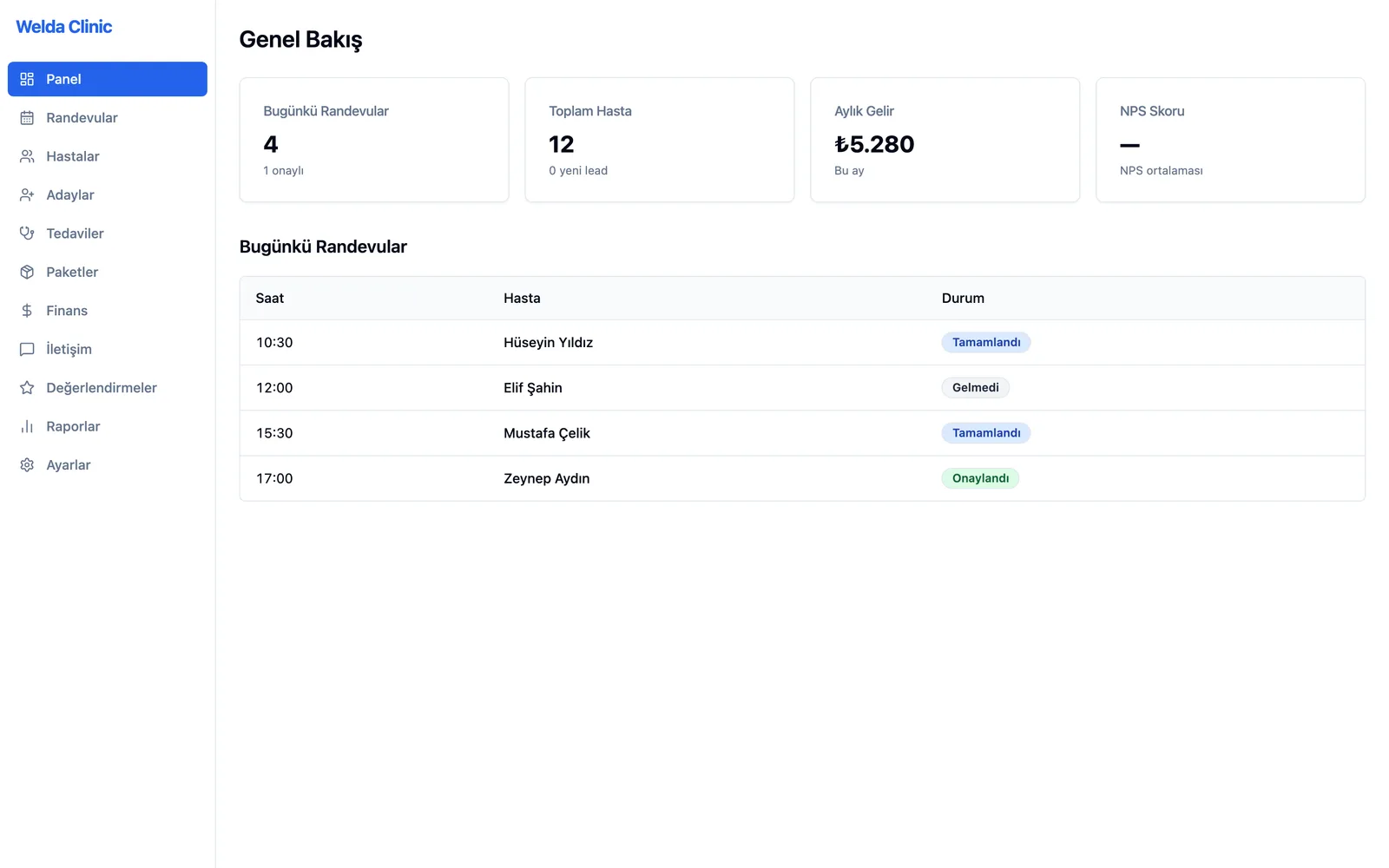
Overview dashboard
Challenges
The challenges of polyclinics
Multi-specialty calendars
The appointment order of different specialties and physicians cannot be kept in one place.
Front-desk intensity
Phone and walk-in requests flow at the same time; registration must be fast.
Staff and shift planning
Physician, nurse and front-desk shifts are scheduled by hand.
Management visibility
Patient volume, occupancy and revenue can only be compiled at month-end.
The Solution
What Welda CRM solves in your polyclinic
Specialty and physician calendars
All specialties' appointments on one screen; availability is live and clash-free.
Staff and shift management
Physician and staff shifts are planned centrally.
Live management reports
Patient volume, occupancy and revenue reports are always current; no waiting for month-end.
A day at your polyclinic with Welda
Fast booking at the front desk
A patient calls for an internal medicine and an eye exam. The front desk sees available slots instantly in the specialty and physician calendars and books both back to back without a clash. Because the patient record lives on a single profile, nobody asks for the same details twice.
Shifts and staff planning
Weekend duty and assistant shifts are planned in the same system. When booking, the front desk can see in the calendar which physician works on which day, so appointments are not given for unavailable hours. Any shift change is updated on the same screen for everyone.
A live picture for management
Without waiting for month-end, management sees patient numbers, occupancy and treatment revenue by specialty and physician. Payment status and open balances are included in the reports, so it is clear which specialties are growing and which have empty capacity.
FAQ
Frequently asked questions
Can I manage several specialties in one system?
Yes. A separate calendar is kept per specialty and physician; the front desk creates appointments for all specialties from one screen.
Can patients book online?
Yes. Through your polyclinic's own online booking page, patients can request appointments for available slots.
Which reports do I see as a manager?
You view live reports on patient volume, occupancy and revenue, with branch-level comparison.
How much does the polyclinic software cost?
Welda CRM is a monthly subscription with plans starting at ₺1,490/month; multi-branch polyclinics usually choose Pro or Enterprise. Every plan starts with a 14-day free trial, and setup and data migration are included.
We have several branches. Can we see their reports separately?
Yes. With multi-branch support each branch is managed with its own calendar and reports, and you oversee all branches from one account.
Can front desk, physicians and management work with different permissions?
Yes. Each user is given permissions that match their role and sees only the information they need. Patient records are stored encrypted in line with data protection (KVKK) requirements.
Run your polyclinic with Welda CRM
Request a free demo; setup, data migration and team training are handled by our team.
- Free consultation
- Same-day reply on business days
- Ongoing support
Prefer not to fill in a form?